Project 3: docchat
By now you have used ChatGPT and friends. In this project we build our own: a command-line program called chat that you point at a folder of documents and then ask questions about them.
The interesting part is what the program does with your question. Rather than hand it to a language model and hope the model already memorized the answer, we give the model a small set of tools it can call to read the files for itself: ls, cat, grep, and calculate. Ask “does this project use regular expressions?” and the model can grep the code and answer from what it actually finds. This is a hands-on version of what people call retrieval-augmented generation, and it is the same idea behind the AI coding assistants you may already lean on.
We build on the project you set up in lab-more-project-setup, and this one is meant to last. You will keep coming back to it: in a later lab someone else commits code to your repo, in the next project you add more features to it, and in your final project you use it to write code for you.
Due: Wednesday, November 11, see the schedule.
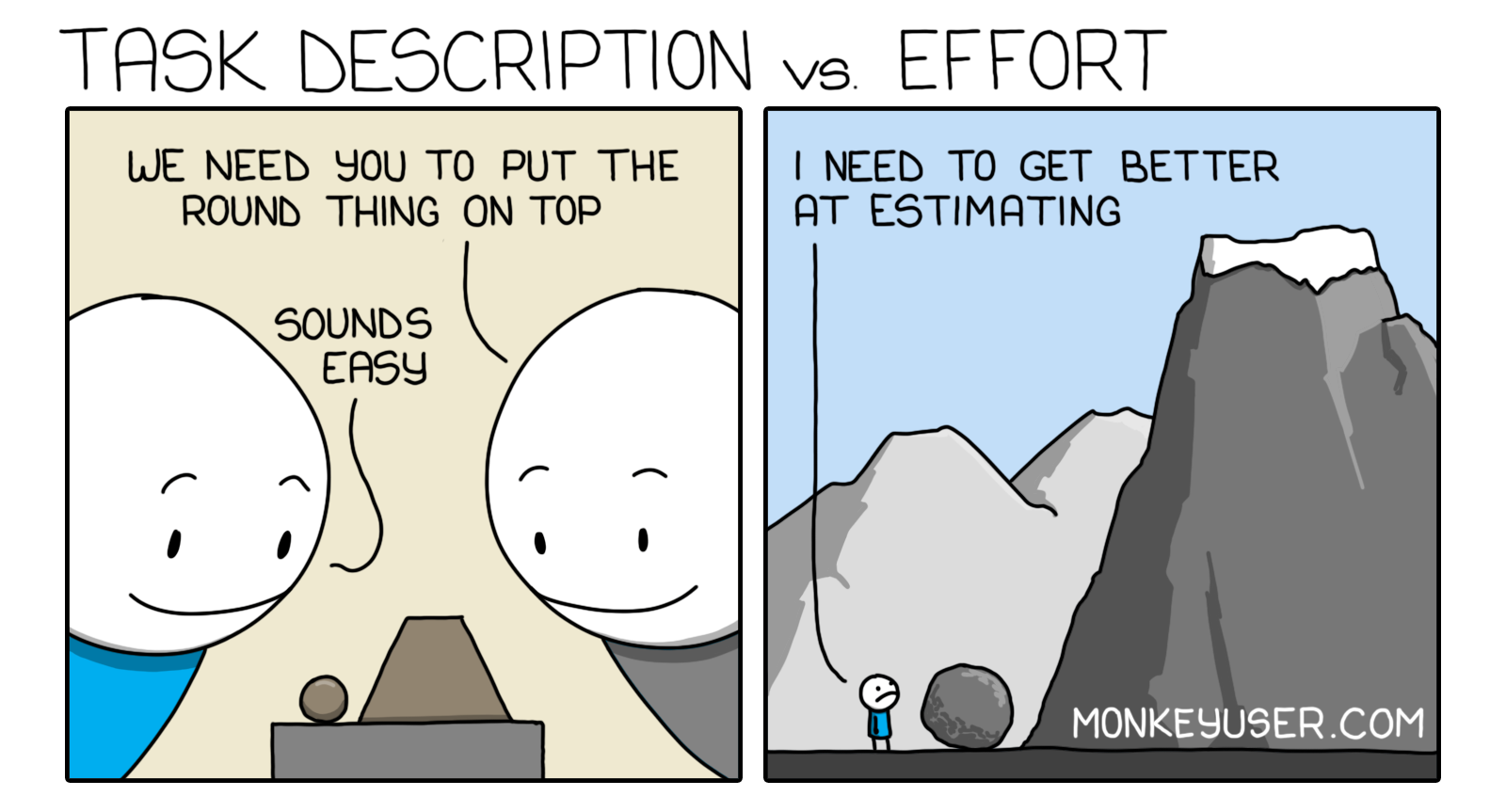
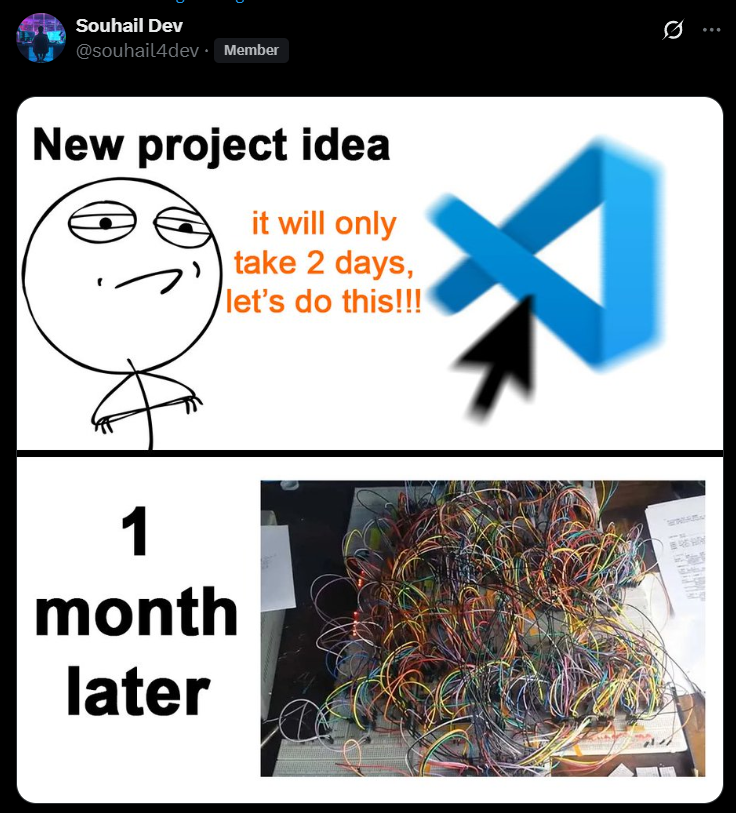
Don’t leave the coding until the last minute; it will take longer than you think. Estimating how long a coding project will take is a famously hard problem, and programmers have made a lot of memes about getting it wrong:
Learning objectives
- understand how AI agents actually work, down to the mechanics underneath the chat box
- create doctests and other project scaffolding from scratch
- build a “long-lived” project, one you keep working in over time:
- in a later lab, someone else will have to commit code to your project
- in the next project, you will extend this project with more features
- in your final project, you will use this project to write code for you
Instructions
First, your project must meet every specification in lab-more-project-setup. That lab set up the skeleton we build on here: chat.py, the repl loop, the GitHub Actions, and the packaging.
Note: Unlike previous assignments, we are not giving you the doctests. You will write them yourself from the specification below. You will notice as you go that this project would have been much easier if we had just handed you the doctests. Later in the course you will notice the flip side: writing the doctests is often shorter and clearer than writing an English-language specification in the first place.
The tools
Right now chat can talk, but it cannot do anything. We fix that by extending the Chat class with four tools the model can call.
calculateevaluates an arithmetic expression. Copy this one straight from the Groq tutorial on local tool calling; it is the worked example there.lsbehaves just like the shell’sls. It optionally takes one argument:- with no argument, list all the files in the current folder;
- with one argument, list all the files in that folder.
Hint: Use the
glob.globfunction to list the files.glob.globreturns files in an arbitrary order, so sort them asciibetically before returning them; otherwise your test cases will pass and fail at random.catopens a file and outputs its contents. It takes a single argument: the file to read.Hint: Catch any exception your code might raise. The common ones are
FileNotFoundError(the file isn’t there) andUnicodeDecodeError(the file is there but isn’t a text file). On Windows you may have to handle files encoded in both UTF-16 and UTF-8; on every other machine, UTF-8 alone should be fine.greptakes two parameters: a regex, and a path (which may contain globs). It should:- load every file that matches the glob;
- loop over every line in each file and test it against the regex;
- add each matching line to the output;
- produce no output if nothing matches.
Like
cat,grepmust not allow absolute paths or directory traversal attacks (see below).Hint:
re.searchtests whether a string matches a regex.
Calling the tools two ways
Every tool must be callable in both of the following ways.
Automatically. This is the standard tool-calling flow from the Groq tutorial, where the model decides to call a tool while it answers.
Manually. Inside the repl, the user can type
/command param1 param2to run a tool directly. For example:chat> /ls .github workflows chat> what files are in the .github folder? There is only a `workflows` folder in the `.github` folder.Here the user ran
/ls .githubby hand before asking the question. That put the output oflsinto the model’s context, so when they asked the question in English the model already had the answer and did not need a tool call of its own. Notice that/ls .githubnever invoked the model at all; it ran the command directly and returned instantly.This “slash command” syntax is common in AI agents, for two reasons. It is fast, because there is no slow API call to wait on, and it is stable, because you force the exact tool to run instead of hoping the model picks it. To make it work, modify the
replfunction so that it checks whether the first character of a line is/.Warning: It is not enough for these manual and automatic tool calls to work. You must prove they work with doctests and integration tests.
Keep the tools inside the folder
Each of these tools lets the language model read contents off your computer. We only want it reading files from the folder where chat was started, not from your whole disk. In particular, none of your tools may allow:
- reading absolute paths (paths that start with
/), or - directory traversal attacks, passing the filename
..anywhere in the path, which would let the model climb out of the project folder and read documents elsewhere.
The easiest way to make your tools safe is a shared helper function, is_path_safe.
- It takes a single path as input and checks whether that path is absolute or contains
... - Every tool calls it first and only proceeds if it returns
True.
Coding conventions
Every function has a docstring. It contains a one-sentence English description of what the function does, and doctests that demonstrate it. (Class methods may put their doctests in the class docstring instead of having their own.)
Every class has a docstring with a two-to-three sentence English description of the class, and doctests that demonstrate it.
Every file has a docstring with a one-to-two sentence description of the file. No doctests are required at the file level.
chat.pyholds the main code for your program.Every tool lives in its own file inside a
toolssubfolder. For example, thelstool goes in a filetools/ls.py.You need over 90% code coverage from your doctests. Every tool must have 100% coverage; only the IO-performing functions in
chat.pyare allowed less than 100%.No “cheesy” doctests that don’t meaningfully test the function. For example:
def do_fancy_string_processing(input_str):
    '''
    This function does a lot of hard, fancy string processing.

    >>> assert do_fancy_string_processing('this is a **super** __hard__ function to implement')
    '''
This test uses
assertto avoid printing the output ofdo_fancy_string_processing, so it only shows that the function does not error, not what it actually returns. That is bad for two reasons: it does not help a reader understand when to use the function, and the function could change behavior completely without the test suite noticing.
Integration tests
- Your repo must include a folder named
test_projects. - Inside
test_projects, add submodules for all of your previous class projects. The three previous projects are your webpage, your markdown compiler, and your eBay scraper. A submodule is a git repo living inside another git repo; add them withgit submodule add <url>. Never clone a repo inside another repo.
These give your chat program real projects to answer questions about.
Repository organization
Hint: We recommend you do not mention anywhere in your README that this is a school project. It will make the project look more impressive to a future employer who stumbles on it.
- The repo must have no unnecessary files (for example
.DS_Storeor__pycache__). - The repo must have no
.envfile uploaded, and no hard-coded credentials anywhere else. - The repo must have a valid
requirements.txtthat lists every dependency, plus anything elsepipneeds to build the project. - The repo must have three GitHub Actions:
- doctests,
- integration tests, and
- flake8.
Note: Your lab had the doctests and integration-tests actions but not flake8. Copy the flake8 action from one of your previous assignments.
- The repo must have a
README.mdthat has:a good title (inside a
#heading);a short one-to-two sentence description of your program;
badges: one for each of your three GitHub Actions, one for PyPI, and one for code coverage;
an animated gif of your program running;
Note: The gif should show only your terminal session, not your whole VS Code window. Good examples of what this looks like live at terminalizer, terminal-demo, and vhs. We won’t cover recording one in class, because it depends on your particular setup; if you don’t already have a screen recorder you like, there are instructions and links at this dev.to post.
a text-based usage example inside a code block, one for each git submodule. For example:
$ cd markdown_compiler
$ chat
chat> does this project use regular expressions?
No. I grepped all of the python files for any uses of the `re` library and did not find any.
or
$ cd ebay_scraper
$ chat
chat> tell me about this project
The README says this project is designed to scrape product information off of ebay.
chat> is this legal?
Yes. It is generally legal to scrape webpages, but ebay offers an API that would be more efficient to use.
Put these examples in their own section of the README, and give a one-sentence explanation of why each example is a good one.
Grading rubric
This project is worth 32 points. There are also up to 22 possible points of extra credit, so it is possible to score 54/32 on this assignment.
To earn the full 32 points, your project must satisfy every requirement in the Instructions above:
Late penalties are gentler on this project. It matters that everyone gets this one working, so instead of the usual doubling penalty we use the schedule below. The standard two-day extension for collaboration still applies.
| Days late | Standard policy | This project |
|---|---|---|
| 1 | -1 | -1 |
| 2 | -2 | -1 |
| 3 | -4 | -2 |
| 4 | -8 | -2 |
| 5 | -16 | -4 |
| 6 | -32 | -4 |
| 7 | -64 | -8 |
| 8 | -128 | -8 |
| 9 | -256 | -16 |
Extra credit
Note: There is no reasonable way to write doctests for many of these tasks, so completing them will likely lower your code coverage. That is fine, as long as you keep 100% coverage on your tool functions.
-
$ chat 'what files are in the .github folder?' The only file in this folder is the workflows subfolder $ chat 'what is this project about?' Looking at the README.md file, I see this project is an AI agent for chatting with documents. -
$ chat
chat> what files are in the .github folder?
The only file in this folder is the workflows subfolder
chat> ^C
$ chat --debug
chat> what files are in the .github folder?
[tool] /ls .github
The only file in this folder is the workflows subfolder
To earn this, you must have both doctests and an integration test demonstrating the behavior works.
-
openai: use the latest GPT model;anthropic: use the latest Claude Opus model;google: use the latest Gemini model;groq(the default): use whichever Groq model you like best.
Note: You will need an openrouter.ai API key for this. All of your queries should cost less than a penny, so $10 of credit is more than enough.
-
Note: The
compactcommand has to create its own instance of theChatclass to do the summarizing. That second instance is technically called a subagent. -
- typing
/and pressing tab lists the supported tools; - typing
/land pressing tab completes to/ls; - typing
/ls .gand pressing tab completes to/ls .git; - typing
/ls .githand pressing tab completes to/ls .github.
For examples of how to do this, see this gist and the readline docs.
- typing
-
Note: If you complete this task, include a video in your README demonstrating the output. If you add that video, you do not also need the animated gif.
-
Note: If you complete this task, include a video in your README demonstrating the output.
Note: If you use trigger word detection instead of a keypress, you get an additional +2 points of extra credit.
Submission
Submit a link to your GitHub repo on Gradescope.
Additionally, submit a one-to-two sentence explanation of what you believe your grade should be:
- if you completed any extra credit, say so;
- if there are portions of your assignment that do not work, say so, being upfront may earn you more lenient grading.