Lab: Classes
This is the second of this week’s two labs; the other is Pull Requests. That one steps sideways into git and collaboration. This one stays with the week’s real subject and finally has you write a class instead of just reading one.
The reading made a point of not turning you into someone who wraps every stray function in a class. So why a whole lab on writing them? Because of where this course is going. The final project is a Twitter clone, and the two nouns at the center of it, a user and a tweet, are exactly the kind of thing a class is for: a bundle of data with operations that belong to it. In this lab you build both, User and Tweet, as small, self-contained classes. When you reach the final project, these are the objects your database rows become and your web pages render; you are writing its foundation a month early.
Download: lab_classes.py
From dict to class
The reading started with a tweet written as a dictionary, and showed why that is not quite enough:
tweet = {'username': 'rtealwitter', 'text': 'my first tweet', 'likes': 0}The data is all there, but the operations live somewhere else, and Python has no idea this dictionary is a tweet rather than any other dictionary. A class fixes both: it gives the bundle a name Python recognizes as a type, and it keeps the operations, liking, unliking, listing hashtags, right next to the data they act on.
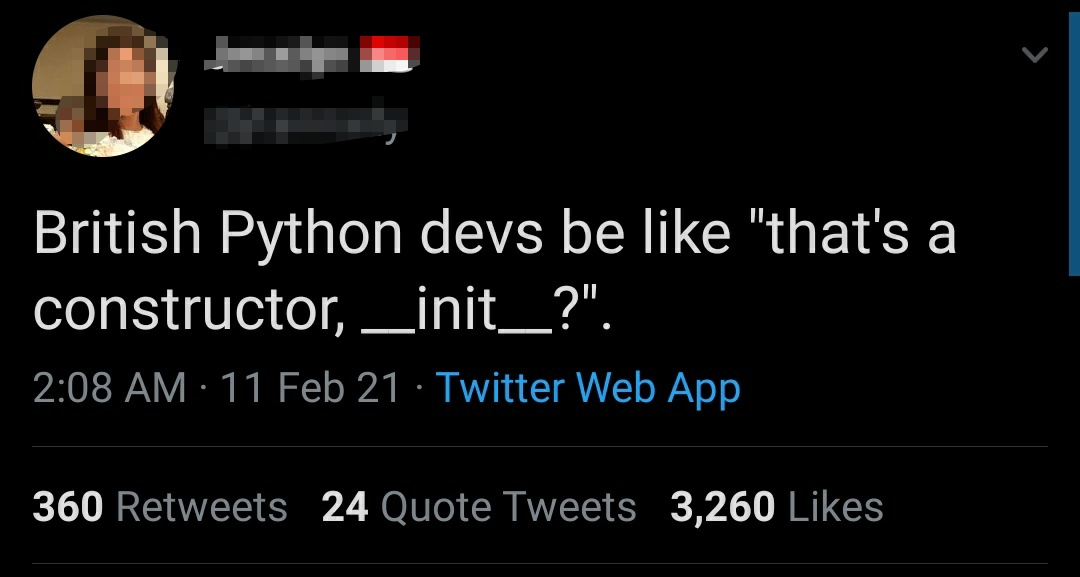
Every class you write starts the same way, with a constructor that gives each new instance its starting data. The constructor is the method named __init__, which Python runs the moment you build an object:
class Tweet:
    def __init__(self, author, text):
        self.author = author
        self.text = text
        self.likes = 0
self is the instance being built, handed to you for free; the three lines attach data onto it, so every tweet starts life with an author, some text, and zero likes. That is the pattern you will repeat for both classes: name the data each object needs, and set it in __init__.
Building a User
Start with User, the simpler of the two. A user has a username and a follower count, and the count changes over time, so the class needs methods that mutate the instance.
Open lab_classes.py and fill in the User class so that:
__init__takes ausername, stores it onself.username, and startsself.followersat0.follow()adds one toself.followers. A method that changes the object reaches its data throughself, the sameselfthe constructor set up, soself.followers = self.followers + 1reads and writes the very instance you called it on.unfollow()removes a follower, but never lets the count go negative. Followers are people; you cannot have minus three of them. This is the first place your method needs anif: only subtract when there is something to subtract.
The doctests spell out the behavior, including the floor at zero:
>>> u = User('alice')
>>> u.follow()
>>> u.follow()
>>> u.unfollow()
>>> u.followers
1
>>> u.unfollow()
>>> u.unfollow()
>>> u.followers
0
Two unfollows after the count has already reached zero leave it at zero, not -2. That “don’t go below zero” rule is a tiny taste of the validation every real app is full of, and your Twitter clone will be no exception.
Building a Tweet
Tweet is the same idea with one more moving part. Fill it in so that:
__init__takes anauthorand sometext, stores both, and startsself.likesat0.like()adds one like;unlike()removes one, with the same never-below-zero floor you wrote forunfollow.hashtags()returns a list of the hashtags in the tweet’s text, each without its leading#.
That last method is the one with real logic in it, and it is a nice reminder that a method is just a function with self in scope. You already know how to break a string into words and test each one; a hashtag is simply a word that starts with #:
>>> Tweet('alice', 'learning #python and #oop today').hashtags()
['python', 'oop']
>>> Tweet('bob', 'just a normal tweet').hashtags()
[]
'#python' comes back as 'python', the # sliced off, and a tweet with no tags returns an empty list rather than crashing. When the final project asks you to turn every #hashtag in a message into a link, this method is where that feature begins.
Making objects printable and comparable
Right now, printing one of your objects is useless:
>>> print(User('alice'))
<__main__.User object at 0x10c3f9d90>
That memory address is Python’s default, and no user wants to read it. Two dunder methods (double-underscore methods, like __init__) fix this by hooking into Python’s built-in behavior. __str__ controls what print shows, and __eq__ controls what == means. Fill them in so that:
str(User('alice'))is'@alice', andstr(Tweet('alice', 'hello world'))is'@alice: hello world'. Each__str__just builds and returns the string you want printed.- Two users are equal when they share a username:
User('alice') == User('alice')isTrue, andUser('alice') == User('bob')isFalse.
__eq__ is worth a pause, because “equal” is a choice, not a fact. You are deciding that a user is their username, so two User objects with the same username count as the same user even though they are two separate objects in memory. That is exactly the behavior the Twitter clone wants: load the same account twice from the database and the two User objects should compare equal.
>>> User('alice') == User('alice')
True
Duck typing
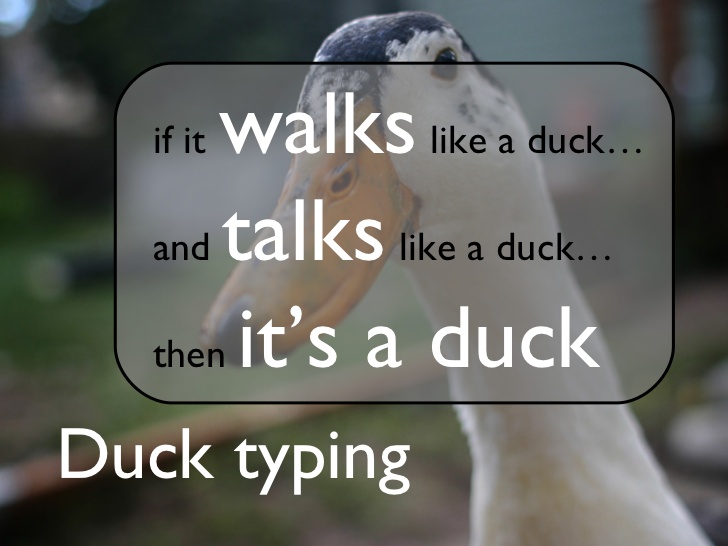
Here is the thing that surprises people coming from other languages, and it is why writing your own types is less fussy in Python than you might fear. Python never checks an object’s type before using it; it just tries what you asked and sees whether it works. A function that shows a post cares only that its argument has a .text:
def show(post):
    print(post.text)
Nothing in show says “this must be a Tweet.” It runs on your Tweet, and it would run just as happily on a Comment or a Message class, as long as each has a .text attribute. This is duck typing: Python cares about what an object can do, not what it was declared to be. It is also why your Twitter clone’s page templates will print post.text without ever asking what kind of object post is.
Is this even a good idea?
Now the honest part, the same one the reading ended on. Classes are useful, and they are also badly overused; once you learn them it is tempting to wrap every loose function in one that did not need it, and plenty of real code is worse for exactly that habit.
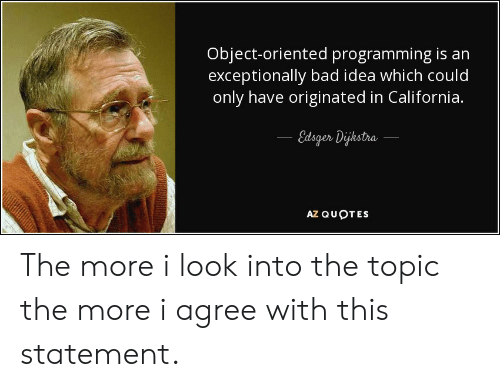
Edsger Dijkstra once wrote, “Object-oriented programming is an exceptionally bad idea which could only have originated in California.” He would like you to think twice before wrapping that function in a class.
The tell for when a class earns its keep is simple: you have data and behavior that genuinely belong together. A User is a username plus the things you do to a user; a Tweet is some text plus the things you do to a tweet. Those pass the test, which is why this lab is two classes and not ten. The goal is not to see classes everywhere, but to reach for one when the shape of the problem is a noun with verbs attached, the way a Twitter clone’s users and tweets are.
Submitting
This lab is auto-graded with the same doctest loop every coding lab in this course uses. Open lab_classes.py, fill in one method body at a time, and run the doctests from your terminal until the command falls silent:
$ python3 -m doctest lab_classes.pySilence means every test passed. While tests are still failing, the command prints each failing example with what it Expected and what it Got, so you always know which method to fix next; add -v to watch the passing tests tally up too. Write, run, read the failures, fix, and repeat until it goes quiet.
Then submit the way you always do, by committing the finished file to your repository and pushing it to GitHub:
$ git add lab_classes.py
$ git commit -m 'complete lab_classes.py'
$ git push
Your repository runs the same doctests automatically on every push, and the tests badge turns from red to green once they all pass. That green badge is the whole grading mechanism: the tests either pass or they do not, and you resubmit until they do. When the badge is green, submit your repository’s URL on Gradescope.