Lab: Dress It Up
Last week you built Hello, Homepage: a real, well-formed page, and, let’s be honest, a plain one. Black text, white background, the browser’s default font, exactly like every unstyled page since 1993. Today you fix that with CSS, and then you do the bigger thing the readings have promised since day one: you put your page on the actual internet, at a URL you can text to your family.
Starter code: continue your own homepage repo from last week, or start fresh from github.com/rtealwitter/lab-homepage.
We are continuing the same page. Reopen your lab-homepage folder in VS Code (File → Open Folder…) and pull up index.html. Everything below builds on what is already there.
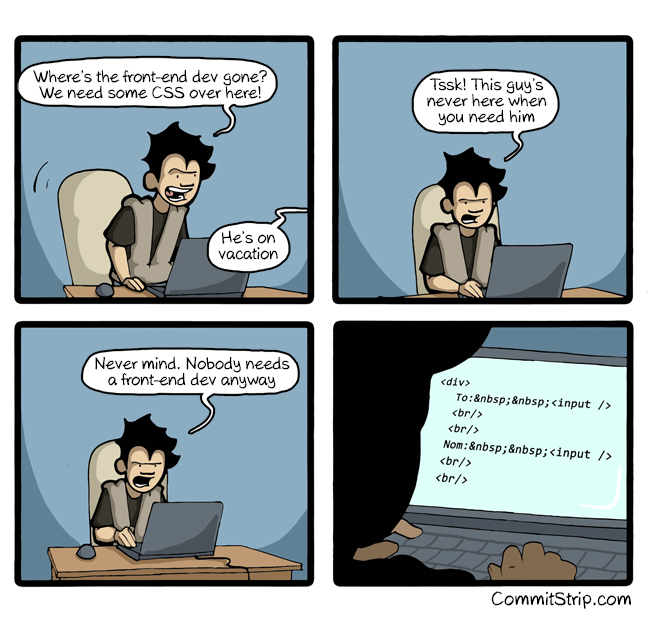
Wire up a stylesheet
CSS lives in its own file. In your lab-homepage folder make a new file called style.css, the same folder as index.html, so the two are siblings. Leave it empty for one second, and link it from the <head> of your page with a <link> tag:
<head>
    <meta charset="utf-8">
    <title>Sourdough for Beginners</title>
    <link rel="stylesheet" href="style.css">
</head>
Before writing any real styles, prove the wire is connected. Put one loud, obvious rule in style.css:
body {
    background-color: khaki;
}
Save both files, reload the page, and your background should turn an unmistakable tan. If it does not, the <link> is not finding the file, check that href matches the filename exactly (style.css, not styles.css) and that both files sit in the same folder. A stylesheet that is not linked is the CSS version of a file you forgot to save: everything looks broken for a completely boring reason.
Style it
Now make it yours. Your style.css has to use all three kinds of selector from the reading, so build them in as you go.
A type selector is a tag name, and it styles every element of that type. Set a base color and a heading weight:
body {
    background-color: #faf7f2;
    color: #2b2b2b;
}
h1 {
    font-weight: bold;
    color: teal;
}
A class selector styles a group you choose, and you pick it out with a leading dot. Add class="card" to a couple of elements in index.html, then style all of them at once:
<ul class="card">
    ...
</ul>
.card {
background-color: white;
padding: 1rem;
}An id selector styles the one element you name, and ids must be unique on the page, so use one for something singular. Add id="top" to your <h1> and select it with a hash:
#top {
    background-color: #f2d6d9;
}
Two more the reading promised. React to the mouse with :hover, which applies only while the pointer is over an element, a natural fit for links:
a {
    color: teal;
}
a:hover {
    background-color: #f2d6d9;
}
And make the page survive a phone with an @media rule, which switches on only below a screen width you pick:
@media (max-width: 600px) {
    body {
        font-size: 14px;
    }
}
Save, reload, and admire. You are not being graded on taste, but the gap between a page with a stylesheet and one without is not subtle.
Predict, then check
Just before you reload after adding that .card class, play a quick game that pays off big later. Look at your HTML and predict: how many elements will .card style? Write the number down.
Now make the browser settle it. Open developer tools with F12, click the Console tab, and ask the page directly:
> document.querySelectorAll('.card').length
2
document.querySelectorAll('.card') hands back every element that selector matches: the exact same set your CSS rule paints, and .length counts them. Predict, then check: if your guess and the console disagree, one of you is wrong about the page, and it is worth finding out which before you build on it.
This is the counting matches exercise from the reading, and it is not a parlor trick. Change the selector and watch the count move: p matches every paragraph, #top matches exactly one, h1 ~ p matches every paragraph after your heading. That skill, aiming a selector at a page and asking “what does this match?”, is the whole engine of web scraping later this term. The only difference is that here you select elements to paint them; in a few weeks you will point the very same selectors at pages you did not write and select elements to pull their data out. Same syntax, same querySelectorAll, higher stakes.
Ship it
Your page looks good on your laptop, where exactly one person can see it. Time to change that. The readings taught you to build a page but never how to host one, this is that missing step, and Project 0 requires it, so we learn it now. We will use GitHub Pages, which serves any public repository as a live website for free (your fork of a public repo is already public, so you are set).
First, get your files into your GitHub repo. If you downloaded a ZIP last week, your edits live only on your laptop, so upload them: open your fork at github.com/<your-username>/lab-homepage, click Add file → Upload files, drag in index.html, style.css, and any image files, and click Commit changes.
If you cloned with git last week you already know the faster path: git add, git commit, git push, and this up-and-download shuffle is precisely the errand git exists to delete. We make that official in a few weeks.
Now turn on hosting. In your repository on GitHub, go to Settings → Pages. Under Build and deployment, set Source to Deploy from a branch, pick your default branch (main or master) and the /(root) folder, and click Save. Give GitHub a minute to build, then reload the settings page: it will show your live address, which looks like
https://<your-username>.github.io/lab-homepage/Open it. That is your page, on the real internet, reachable by anyone you send the link to. Pull it up on your phone as well, narrow the window and watch your @media rule finally earn its keep.
Validate the CSS
One last piece of discipline, and it is one you already know. Last week the W3C HTML validator kept your markup honest; CSS has a matching one. Now that your page is live, go to the W3C CSS validator, choose By URI, paste your GitHub Pages URL, and check. Read any errors, fix them in style.css, push the fix back to GitHub, and re-check until it reports Congratulations! No Error Found. Like the HTML validator, passing this one with zero errors is a Project 0 rubric line you are clearing early.
Submitting
On Gradescope, submit:
- the live URL of your page (
https://<your-username>.github.io/lab-homepage/), and - a screenshot of the styled page in your browser.
Resubmit until it is right, same as always.
Look at what you are holding. Your homepage is now styled, hosted, and public, the finished seed of Project 0, with a running start on its rubric: an external stylesheet, a :hover, class and id selectors, an @media rule, a real URL, and two validators passed. From here Project 0 is mostly more of what you just did, plus a handful of look-it-up tasks it hands you on purpose.
And keep that querySelectorAll habit warm. When we reach web scraping, a page you have never seen becomes a tree exactly like your own, and you pull the data you want out of it with the same selectors you just used to color your cards. We will remind you when we get there, but you heard it here first.